Manufacturing
How to Send CAD Files for Manufacturing
A practical checklist for sending manufacturing CAD data with clear revisions, dimensions, materials and acceptance requirements.
What to Include in the Manufacturing Package
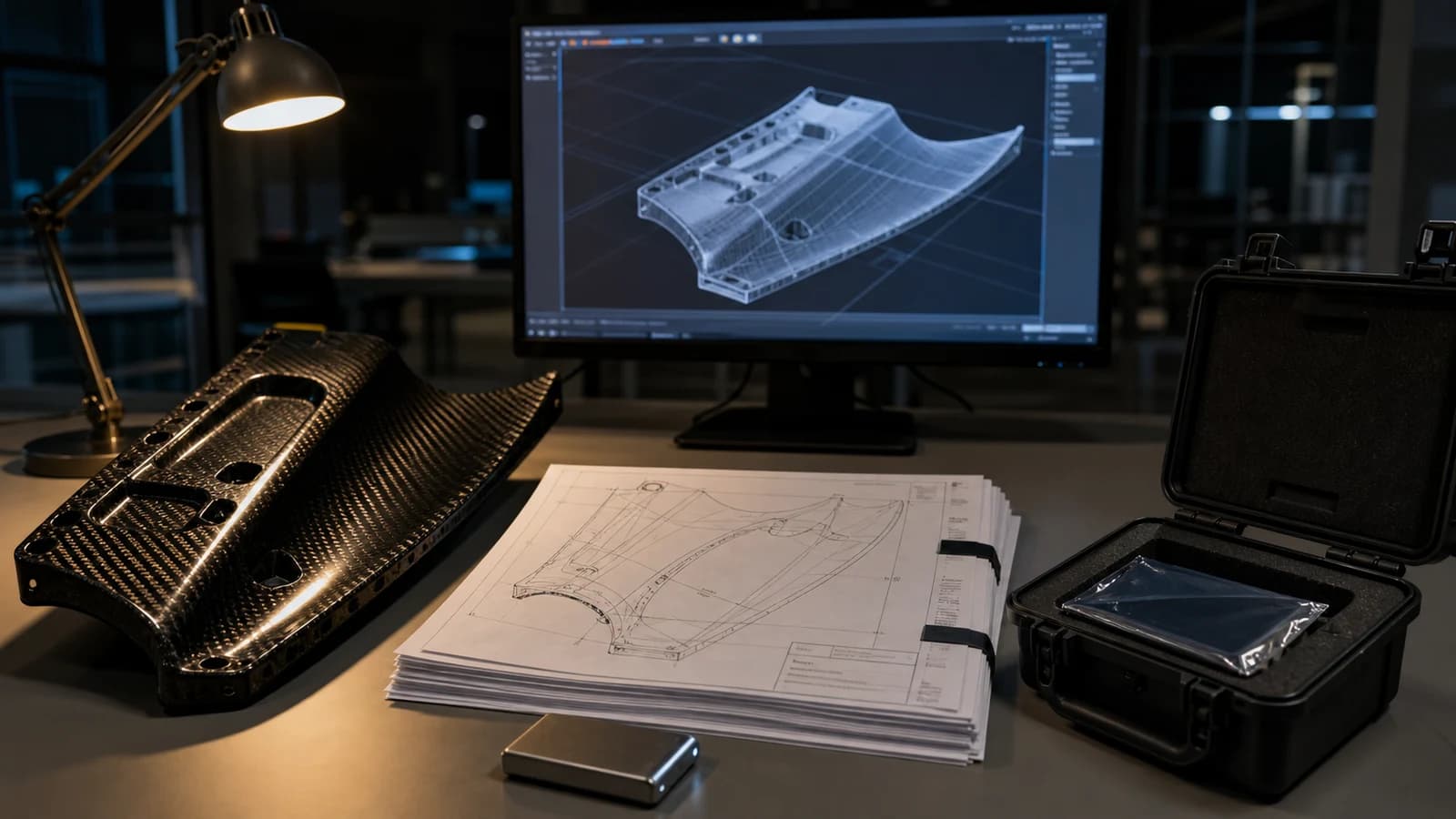
Send the 3D model or 2D profile that defines geometry, plus a PDF drawing when tolerances, notes, threads, finishes or inspection requirements matter. Include part number, revision, units and quantity.
State the carbon fiber material form, thickness or laminate requirement without inventing unspecified properties. Identify cosmetic faces, critical interfaces, edge treatment, inserts and any supplied mating-part information.
Prepare Clean, Usable Files
Export at full scale in the intended units and remove unrelated assemblies, hidden concepts and duplicate profiles. Make sure sketches are closed, contours do not overlap and the model represents the desired finished part.
Use clear filenames with part number and revision. Keep superseded versions out of the active package, and provide a short change note whenever a revision is issued after quotation or programming.
Separate Critical Requirements from Preferences
Mark dimensions and tolerances that control fit, alignment or performance. Distinguish them from reference dimensions and cosmetic preferences so engineering effort is focused where it creates value.
If a requirement is not yet known, describe the application and allow it to be reviewed. Do not assign arbitrary close tolerances or surface criteria simply to make the drawing appear complete.
What Happens During DFM Review
The manufacturer checks material availability, stock size, tooling access, radii, hole and edge conditions, workholding, inspection and production quantity. Questions or proposed changes should be resolved against a single controlled revision.
A complete data package shortens clarification and improves quotation accuracy, but it does not replace engineering responsibility for the component. Safety-critical requirements need appropriate owner approval and validation.
Frequently Asked Questions
Is a screenshot enough for quotation?
It may support an early discussion, but reliable manufacturing normally requires dimensioned data and a defined revision. Screenshots can hide scale, tolerances and feature details.
Should native CAD files be included?
They can help when both parties use compatible software. A neutral file and PDF drawing remain useful for preserving accessible geometry and documented requirements.